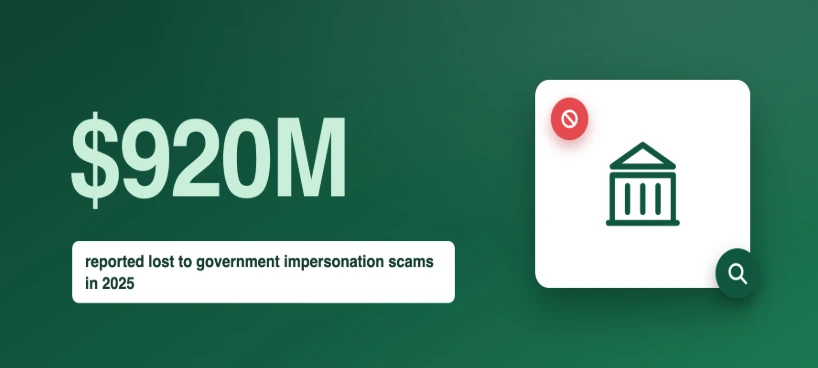
Back Taxes Scam Call: The IRS Never Calls First
Got a call about back taxes? The IRS never calls first. Here's how the scam works, the fake agency names to know, and what to do next.
Scam Alert
Claire Kellerman
Aug 26, 2026 • 7 min read
The FBI and FTC are sounding alarms about phone-based fraud at a scale that should concern everyone. In 2024, the Federal Trade Commission reported that Americans lost $12.5 billion to fraud — a 25% increase over the previous year. Of that, $470 million was lost to text message scams alone, a figure that has quintupled in just four years. The FBI's Internet Crime Complaint Center (IC3) separately documented nearly $4.9 billion in elder fraud losses in its 2024 report.
These are not abstract statistics. They represent real people who answered a call, trusted a text, or believed a voicemail. This guide breaks down the most common phone scams in 2026, explains exactly how to spot them, and walks you through blocking them on both iPhone and Android.
Last updated: March 2026
The FBI's most recent advisories highlight a sharp increase in three categories of phone-based fraud: imposter scams, tech support scams targeting seniors, and smishing (SMS phishing). The common thread is caller ID manipulation — criminals use technology to make their calls and texts appear to come from trusted sources like your bank, the IRS, or a delivery service.
In its 2024 reporting, the FTC noted that imposter scams accounted for $2.95 billion in losses, making them the single largest fraud category. The playbook is consistent: a scammer fabricates a single credible point of contact — a spoofed phone number, a convincing text — and uses urgency to bypass your critical thinking. They rely on speed and panic. The FBI's guidance is clear: slow down, verify independently, and never act on pressure.
Scam tactics evolve, but several patterns dominate the current landscape:
Callers claim to be from the IRS, Social Security Administration, or Medicare. They threaten arrest, benefit suspension, or legal action unless you pay immediately — usually via gift cards, wire transfers, or cryptocurrency. No legitimate government agency demands payment by phone or threatens immediate arrest.
Your caller ID shows your bank's actual name and number. The caller says your account has been compromised and asks you to "verify" your account number, PIN, or one-time password. In reality, they are using that information to drain your account in real time. Banks will never ask for your full password or PIN over the phone.
A text claims a package is stuck and requires a small redelivery fee. The link leads to a phishing site that harvests your credit card information. These texts often mimic UPS, USPS, FedEx, or Amazon branding with surprising accuracy. The FTC specifically flagged this category as the fastest-growing text scam in 2024.
A pop-up, email, or phone call warns that your computer is infected. The "tech support agent" asks for remote access to your device, then installs malware or demands payment for fake repairs. The FBI's IC3 reports that seniors lose more money to tech support scams than any other category — an average of $33,000 per victim over age 60.
A person you met online builds a relationship over weeks or months, then asks for money — for an emergency, a plane ticket to visit you, or a business opportunity. The FTC reported $1.16 billion lost to romance scams in 2024. These scammers invest significant time before making their ask, which makes the betrayal particularly devastating. For guidance on verifying online contacts, see our guide to reverse image searching someone you met online.
Using publicly available audio — from social media videos, voicemail greetings, or even a few seconds of recorded speech — criminals now use AI to clone a family member's voice. They call an elderly relative pretending to be a grandchild in distress, requesting emergency money. The voice sounds authentic enough to fool most people, especially under emotional pressure.
No single red flag is definitive, but the combination of several almost always signals fraud:
Urgency and threats. Legitimate organizations give you time to think. Scammers create panic — "Act now or face arrest," "Your account will be closed in 24 hours," "Your grandchild is in danger." Pressure to act immediately is the single strongest indicator of fraud.
Unusual payment methods. Gift cards, cryptocurrency, wire transfers, and payment apps are scammer favorites because they are difficult to reverse. No government agency, bank, or legitimate business will ever ask for payment via gift cards.
Caller ID does not guarantee legitimacy. As we explain in our guide to Spam Risk caller ID, scammers use VoIP gateways to display any number they choose on your screen. The traditional phone network was built on trust, and modern spoofing technology exploits that. A number showing your bank's name on caller ID proves nothing about who is actually calling.
Requests for personal information. Your bank already has your account number. The IRS already has your Social Security Number. If someone calls and asks you to "confirm" information that the real organization already possesses, they are phishing for data they do not have.
The VoIP test. If you run the caller's number through a reverse phone lookup, you can check the carrier and line type. A call claiming to be from Chase Bank that traces back to a disposable VoIP provider is almost certainly fraudulent. Legitimate businesses use verified commercial phone lines, not cheap internet-based numbers.
Both major platforms have built-in tools that significantly reduce scam exposure. For a comprehensive walkthrough including third-party apps, see our dedicated guide on how to stop spam calls on iPhone and Android.
Silence Unknown Callers: Go to Settings → Phone → Silence Unknown Callers. When enabled, calls from numbers not in your contacts, recent outgoing calls, or Siri suggestions go directly to voicemail. This is the single most effective built-in defense. The downside is that it may silence legitimate calls from numbers you have not saved — doctors' offices, delivery drivers, etc.
Block specific numbers: Open the Phone app → Recents → tap the "i" icon next to the number → Block this Caller. Blocked numbers cannot call, text, or FaceTime you.
Report to Apple: If a scam arrives via iMessage, tap "Report Junk" below the message. Apple uses these reports to improve its spam filtering.
Google Phone app spam filter: Open the Phone app → Settings → Caller ID & Spam → toggle on "See caller and spam ID" and "Filter spam calls." Google's database of known spam numbers is extensive and updates automatically.
Block specific numbers: Open the Phone app → Recents → long-press the number → Block/Report spam.
Carrier-level filtering: T-Mobile (Scam Shield), AT&T (ActiveArmor), and Verizon (Call Filter) all offer free spam-blocking tools. Download your carrier's app for additional protection beyond what the OS provides.
If you have already shared information or sent money, act immediately. Speed matters — some transactions can be reversed if you report them quickly enough.
Contact your bank or payment provider. If you sent money via bank transfer, credit card, or payment app, call your financial institution immediately. Many have dedicated fraud departments that can freeze transactions in progress.
Change compromised credentials. If you shared passwords, PINs, or account numbers, change them immediately across all accounts where you use the same credentials. Enable two-factor authentication wherever possible.
Report the scam. File a complaint with the FBI's Internet Crime Complaint Center at ic3.gov. Also report to the FTC at reportfraud.ftc.gov. These reports feed into federal databases used to track and prosecute fraud networks.
Monitor your credit. If personal financial information was compromised, place a fraud alert or credit freeze with all three credit bureaus (Equifax, Experian, TransUnion). This prevents scammers from opening new accounts in your name.
Reporting serves two purposes: it helps law enforcement track fraud networks, and it feeds into the spam databases that protect other users. Here is where to report:
FBI IC3: ic3.gov — The FBI's centralized reporting portal for all internet-enabled crime, including phone-based fraud.
FTC: reportfraud.ftc.gov — The FTC's fraud reporting tool. Data submitted here feeds into the Consumer Sentinel Network, used by over 2,800 law enforcement agencies.
FCC: consumercomplaints.fcc.gov — For reporting caller ID spoofing specifically. The FCC enforces the Truth in Caller ID Act, which makes malicious spoofing illegal.
Your phone carrier: Forward spam texts to 7726 (SPAM). Most carriers use these reports to update their spam filters.
State Attorney General: Most states have a consumer protection division that handles fraud complaints. These offices can take action against scams targeting residents of their state.
Got a call about back taxes? The IRS never calls first. Here's how the scam works, the fake agency names to know, and what to do next.
How to find someone on Discord with or without their username, what their profile still reveals, and how to check they're who they say before you trust them.
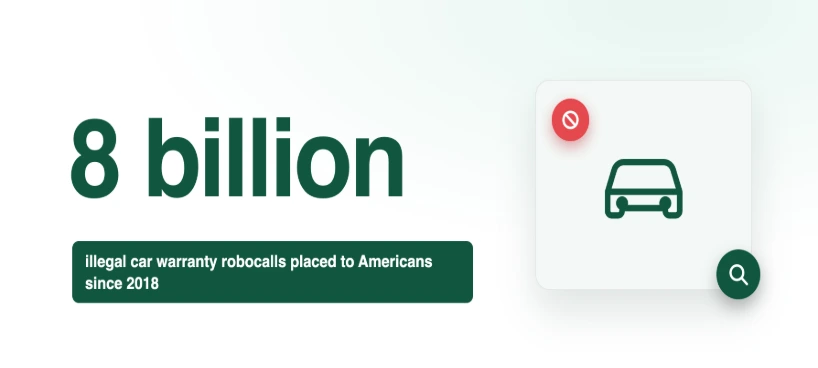
Getting car warranty scam calls? Here's how they work, what regulators have found, and the one question a scammer can never answer.
