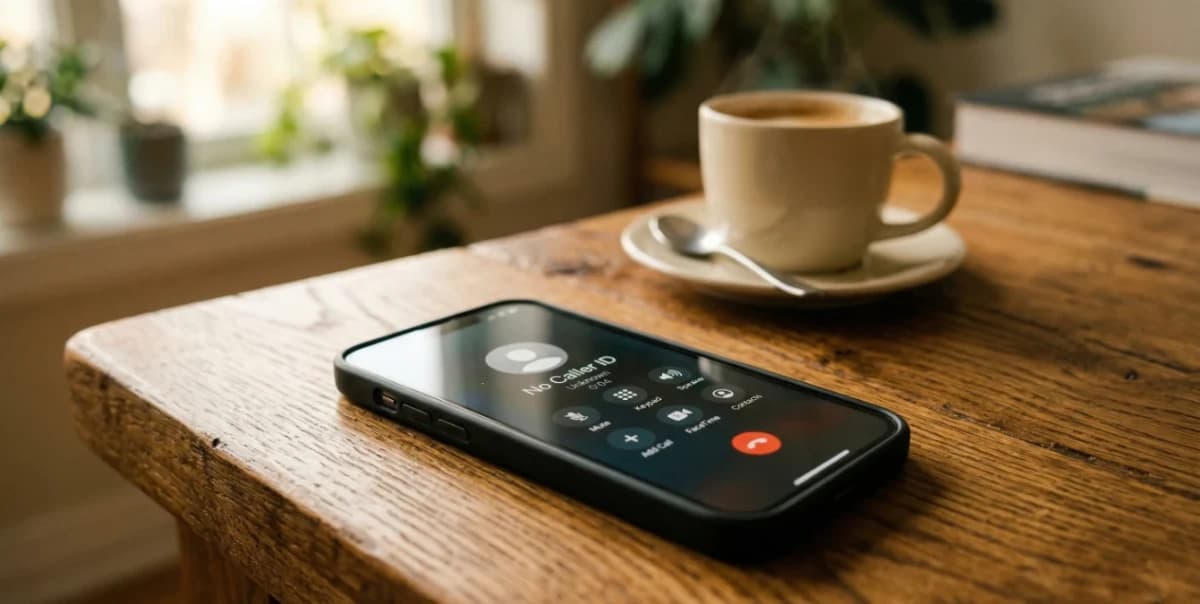
In the US and Canada, anyone can hide their number by dialing *67 before calling. Most smartphones also have a "Hide My Caller ID" toggle in their settings. Large organizations like hospitals, law firms, and billing departments frequently configure their entire phone system to suppress outgoing caller ID. Every call that leaves the building looks identical on your screen. The billing department calling Karen had been set up that way for years.
No Caller ID vs. Unknown Caller: What's the Difference?
These labels get used interchangeably, but they mean different things.
No Caller ID means the caller deliberately suppressed their number, and therefore nothing was transmitted.
Unknown Caller means the number was transmitted but got lost in transit, between carriers, across international gateways, or through a VoIP system that couldn't translate the format. This is usually accidental; international calls are the most common source.
Blocked means the same thing as No Caller ID, just labeled differently depending on your carrier and phone model.
The takeaway: "No Caller ID" is a choice. "Unknown Caller" is typically an accident.

Who Calls from No Caller ID? (And Why)
Healthcare and medical providers
Doctors' offices, hospitals, and billing departments frequently call from suppressed lines, often to protect patient privacy. A call displaying "Riverside Cancer Center" on a shared screen, for example, could reveal sensitive health information to anyone nearby.
Law enforcement and government agencies
Police departments and government caseworkers operate from lines configured to hide direct numbers, protecting staff from being contacted personally.
Businesses and corporate phone systems
Many companies suppress outgoing caller ID across their entire organization. The recruiter, account manager, or billing rep who called you may not even know their number is hidden. Someone in IT made that call years ago.
Private individuals using *67
Calling a stranger — about a rental listing, a Craigslist ad, or a new contact — and dialing *67 first is reasonable personal privacy. This is the same logic as not giving out your home address before meeting someone.
Scammers and fraudsters
Fraudsters suppress numbers to prevent identification and reporting. If a No Caller ID call involves urgency, threats, or financial pressure, treat it like a suspicious email: stay calm, give nothing, hang up on your terms.
How to Find Out Who Called from No Caller ID
Why you can't call back a No Caller ID number
Calling back is impossible — nothing was transmitted, meaning there's nothing to dial. Standard reverse phone lookup tools will have the same problem: no digits, no search.
*57 Call Trace: How it works & when to use it
Dial *57 immediately after the call. This logs the originating number in your carrier's system. It's not shared with you directly, but it is subpoenaable by law enforcement if calls are harassing. This typically costs $1 to $3 per use. It's useful as evidence, not casual identification.
Third-Party Apps that can unmask No Caller ID calls
Several apps attempt to unmask hidden numbers using network-level interception and call-forwarding techniques. Results vary by carrier, but when they work, they give you actual digits. Once you have a number, a reverse phone lookup can surface publicly available information tied to it. That's how Karen's mystery ended.
What voicemail (or silence) tells you
Legitimate callers leave messages, but scammers rarely do. A recording creates evidence and removes their element of surprise. A No Caller ID call that hangs up without leaving a voicemail tells you something on its own.
How your carrier can help block anonymous calls
Carriers can block all anonymous calls at the network level, provide detailed call logs if a police report is involved, or flag patterns of harassing anonymous calls.
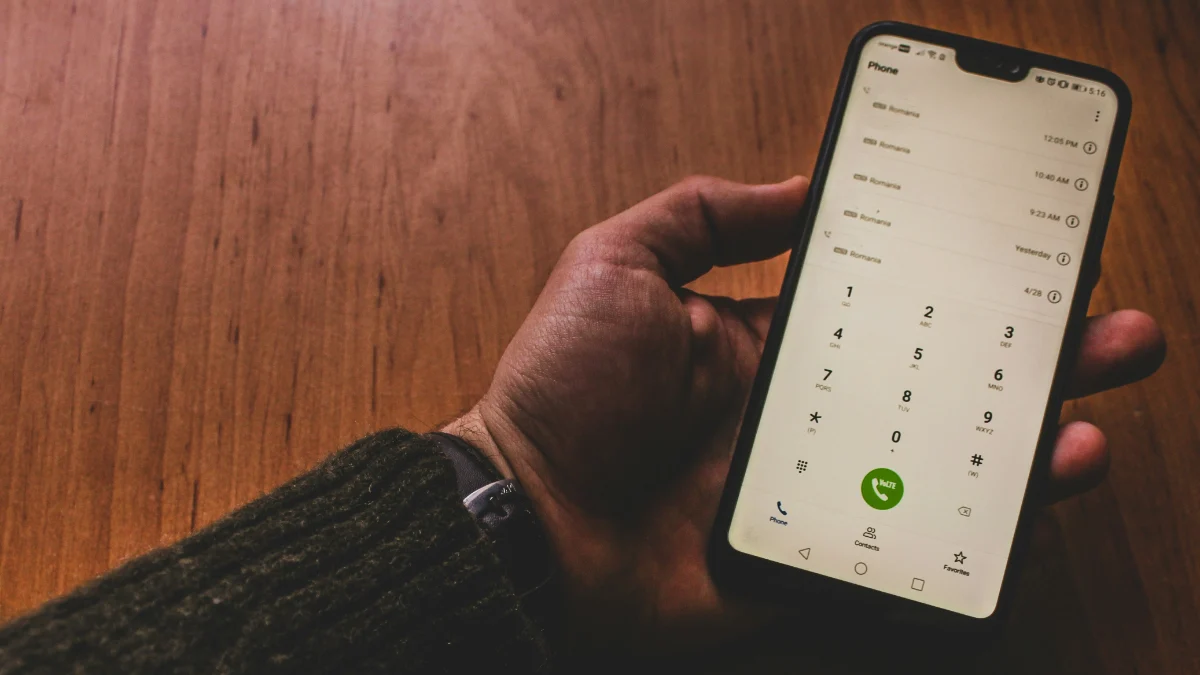
How to Block No Caller ID Calls on iPhone (Silence Unknown Callers)
Silence Unknown Callers: Settings → Phone → Silence Unknown Callers. This sends all calls from numbers not in your contacts straight to voicemail, including No Caller ID. The trade-off is that legitimate first-time callers also get silenced.
Do Not Disturb with contact exceptions: Settings → Focus → Do Not Disturb → People → Allow Calls From → Contacts Only. This is more aggressive, but useful during a high volume of harassing calls.
Third-party caller ID apps on iOS can attempt to unmask No Caller ID calls by briefly declining, routing through their service, and calling you back with the number displayed. Effectiveness varies by carrier.
How to Block Unknown Callers on Android
Google Phone App
Phone app → Settings → Blocked Numbers → toggle on "Unknown." Standard on Pixel devices, downloadable on most Android phones.
Samsung Galaxy Devices
Phone app → three-dot menu → Settings → Block Numbers → toggle on "Block unknown/private numbers."
Carrier-level Blocking
T-Mobile ScamShield, AT&T ActiveArmor, and Verizon Call Filter all block anonymous calls at the network level. Blocked calls won't appear in your call log at all.
The end of Karen's story
Karen called the billing company back and spelled her name out. The billing company found the account, confirmed the mix-up, and removed her number. The calls stopped the same day.
She thought about 11 days of dreading her own phone, the Reddit threads she'd created, the half-written police report. All of it traced back to three words on a screen — No Caller ID — that meant nothing more sinister than a billing system nobody had ever updated.
Now you know what's behind it. And if a number ever surfaces and you want to know what's attached to it, ClarityCheck's reverse phone lookup can pull publicly available information in seconds.