Can't Find Someone on Snapchat? Try These 3 Methods
Can't find someone on Snapchat? Try their username, phone number, or Snapcode, then check the profile is really them.
Dating
Claire Kellerman
Aug 17, 2026 • 5 min read


She sent him a face.
Not a profile shot, just a face, staring back at his phone screen at midnight, with no context and no caption.
Just a face.
He saved it, then ran a reverse image search in Google Images, TinEye, and Yandex. All of this is standard catfish-checking procedure.
Nothing came back.
He took that as a good sign. It wasn't, at least, not necessarily.
The tools didn’t fail him. No, they worked exactly as designed. The problem is those tools were built to find a face that existed before it was sent to him, and this one didn’t. It was generated very close to the moment he received it, assembled from a model trained on millions of real human faces into something that had never been a person and never would be. The search came back empty because you cannot find something that was never there.
This is how reverse image search works for catfishing in 2026, and why a clean result is no longer the reassurance it used to be.
Upload Photo
Here’s where you should start. These tools still catch an enormous amount of fraud, just not all of it, and not the kind that’s growing fastest. Run all of them in layers, then understand what you’re looking for in the results, because the results require interpretation.
Go to images.google.com. Click the camera icon. Upload the photo or paste its URL. Google returns visually similar images and any indexed pages where that photo appears. It catches stolen photos from public websites, professional portfolios, and social media accounts that Google has crawled, such as a random person’s Instagram scraped by someone who needed a face fast, stock photography, photos lifted from model agency sites. It catches a lot.
Upload at tineye.com. TinEye specializes in exact and near-exact image matches and is especially good at identifying the original source (the first place a photo appeared online). If someone grabbed a photo from a modeling agency’s website in 2019 and has been using it across 12 fake profiles since, TinEye finds the trail’s beginning.
This one most people skip, but shouldn’t. The Russian search engine indexes a significantly broader range of Eastern European and international social media content than Google. Scammers operating out of West Africa, Eastern Europe, and Southeast Asia frequently steal photos from sources that Google hasn’t fully indexed, but Yandex has. Go to yandex.com/images, click the camera icon, upload. You should always run this one.
PimEyes uses facial recognition to find other photos of the same face across the web, even if the images are different shots. That's useful because scammers using stolen real photos often grab multiple images of the same person.
ClarityCheck uses a reverse image search to find where the same photo or visually similar photos appear online. This can help identify stolen profile pictures, reused scammer photos, and online profiles associated with those images.
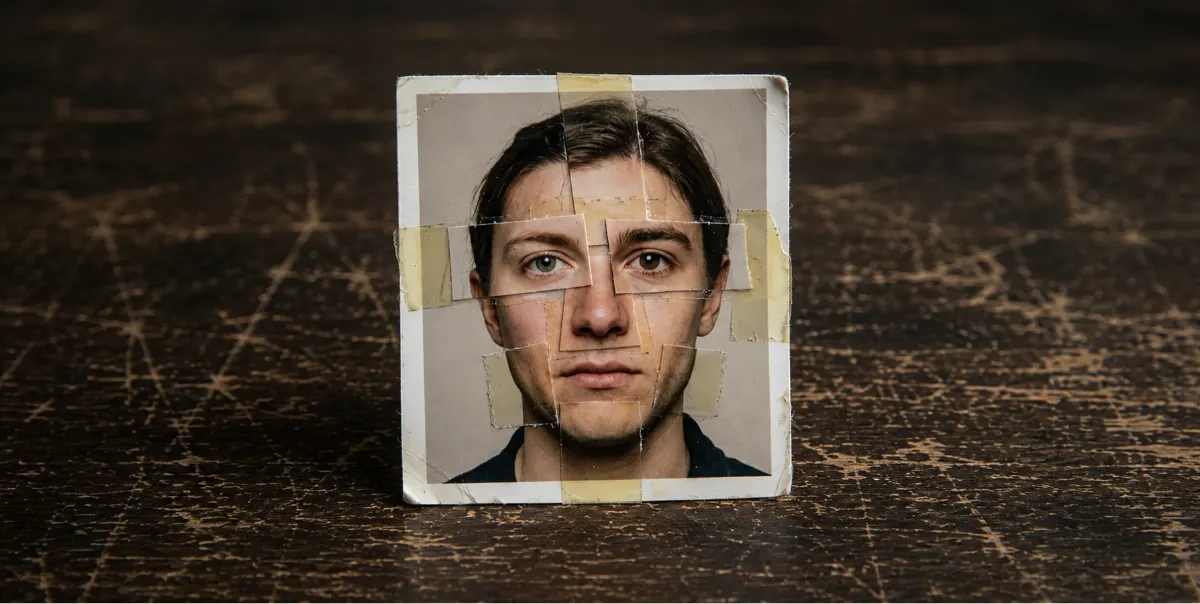
For 20 years, a clean reverse image search meant the photo was probably real, just of a private person who didn’t leave a digital footprint.
That logic changed somewhere around 2023, with the rise of generative AI.
Real people leave traces. They exist in the indexed world because they exist in the actual world. A real face attached to a real person will, in almost every case, appear somewhere, be it an old Facebook photo, a company directory, an untagged photo from a friend’s account, a forgotten forum avatar, or a LinkedIn headshot. Most humans are findable because the internet has been indexing them for 30 years.
A face that has never appeared anywhere online before the moment it arrived in your messages is not a private person protecting their privacy. More probable than not, it’s a face that did not exist before.
The technology to create these faces is fast and free, capable of producing unlimited unique photorealistic human faces in seconds. There is no database of fake faces to search against, and no reverse image search for something that was generated and used and never uploaded anywhere else.
Early AI profiles were one-photo operations, a single generated image that couldn’t hold up to scrutiny. The current approach is a curated set, a faintly fictional person at different angles, in different lighting, outfits, and settings, all generated from the same model. A clean search result used to mean verified. Now it means you should look harder.
The same tools apply – Google Images, TinEye, Yandex, and ClarityCheck – and so does the same caveat, in which a clean result is inconclusive, not verified. Tinder is worth calling out specifically because it’s the platform where AI-generated profile photos are most prevalent. The swipe format creates high volume and low scrutiny, which makes it the easiest environment to run a fake identity at scale.
Run all four tools on any Tinder photo you’re uncertain about. Then move past the photo entirely, because the photo is increasingly the wrong place to focus.
The photo is the most visible part of a fake profile, but it's not always a reliable signal. AI generates faces with remarkable fidelity. However, it cannot generate years of a consistent, contextually coherent digital existence.
Ask yourself, “Does this person exist anywhere outside the app?” Search the name they gave you. Add the city. Add the profession. A real surgeon from Chicago has a LinkedIn, a hospital bio, or an alumni directory from med school. A real person who has been alive for 35 years and living in a major American city is findable. A constructed person is contained, existing only where the scammer puts them.
Ask for a photo of them holding something specific. Describe it in the moment, unprompted, like a handwritten sign with a word you choose, their hand next to a specific object, or something with today’s date visible. AI image generation is not real-time in any practically accessible way, and producing a new, contextually accurate image on demand requires either a live operator with a running model or a delay that exposes the operation. This is not a perfect test, but it forces the scammer to either deliver something impossible or explain why they can’t. Both answers are informative.
A live, spontaneous video call remains the most reliable verification tool available. Real-time deepfakes convincing enough to survive an unscripted conversation are not yet widely accessible to the people running dating app fraud at scale. Ask for a video call. Ask them to wave. Ask them to hold up two fingers. Ask them to do something you didn’t tell them to do until the call started.
Be aware that this will stop working. Real-time AI avatars exist and will become accessible in ways they currently aren’t. The window for using video as verification is open, but won’t stay that way for long.
Reverse image search is the starting point, not the finish line. Catching a catfish online requires layering photo checks with identity verification, because anyone running a sophisticated fake profile already knows you’re going to run the image. The photo is sanitized. However, their story isn’t.
Search their full name in quotes. Add the city, job title, and school they claimed. A real person with that combination of details is findable in minutes on things like LinkedIn, a company directory, a local news mention, or an old forum post. You can also run a people search on the name and city to pull public records, known addresses, and associated phone numbers in one step. The goal isn’t to find their entire life history; it’s to find anything that corroborates their existence outside the conversation.
A search that turns of nothing is meaningful. People are difficult to fully erase from the internet. A complete absence of footprint for someone claiming to be a real professional with a real life in a real city is a red flag.
Not sure where to start? ClarityCheck's People Lookup searches public records, address history, and associated profiles by name and location. It's a fast way to confirm whether the person on the other side of the screen actually exists.
If you have a phone number, run it through a reverse phone lookup. Scammers frequently use VoIP numbers or numbers registered to businesses that don’t match their stated identity. A mismatch between the number’s registered state and their claimed location is a flag worth noting.
If you’re not sure where to start, our guide to free reverse phone lookup options covers what each tool actually surfaces and which ones are worth your time. You can similarly run a reverse email lookup to see whether the address is tied to a real identity or appears across known scam networks.Services that show whether an address is associated with known data breaches or has been seen across multiple accounts can surface patterns that a single conversation can’t.
Cross-Platform Consistency
Ask them what other platforms they’re on. A real person will always have at least one. Even reluctant social media users tend to have a dormant Facebook or a LinkedIn they haven’t updated. If they deflect, have excuses for every platform, or send you to an account that was created recently and has no history, treat that as a serious warning sign. For a step-by-step approach, see our guide on how to find someone on social media.
The key difference between catching a catfish and not is that most people run one check and stop. The catfish is counting on that. Running three or four checks in combination is where fake identities fall apart.
A reverse image search checks the photo. These signals check the person. Use both.
AI generates faces, not histories. Search the name, city, and claimed profession. If the combination produces no publicly available footprint — no professional history, no public records, no digital presence that predates this conversation — that’s a significant signal. Scammers can generate a face; histories are harder to fake at scale because histories require time. If the pattern goes beyond a suspicious photo, our guide to signs of cheating covers the full behavioral checklist.
If you want to run both checks at once, ClarityCheck's Reverse Image Search shows where an image already appears across publicly available sources, including any public profiles using it. If you're also suspicious about their relationship status, here's how to find out if someone is married using public records.

For a full breakdown of visual artifacts in AI-generated images, see our guide to romance scammer photos and how to spot fake profiles. The short version:
AI models generate faces with remarkable fidelity and generate everything else with remarkable inconsistency. The face will be convincing; the details around it frequently aren’t. If the image is flawless — no distortion, no artifacts, nothing visually off — that’s still not reassurance. Models are improving, so flawlessness is no longer evidence of anything.
Not sure if the profile is real? Run the image through ClarityCheck's Reverse Image Search to see where that photo already appears across publicly available sources, including any public pages and profiles using it.
Upload Photo
Can't find someone on Snapchat? Try their username, phone number, or Snapcode, then check the profile is really them.

WhatsApp has no name search. Here's how finding someone on the app works, plus how to verify a stranger's number before you meet or send money.
Learn how to find someone on dating sites by email using free methods, what they can't tell you, and how a reverse email lookup fills the gaps.