Nobody warned you it would be like this.
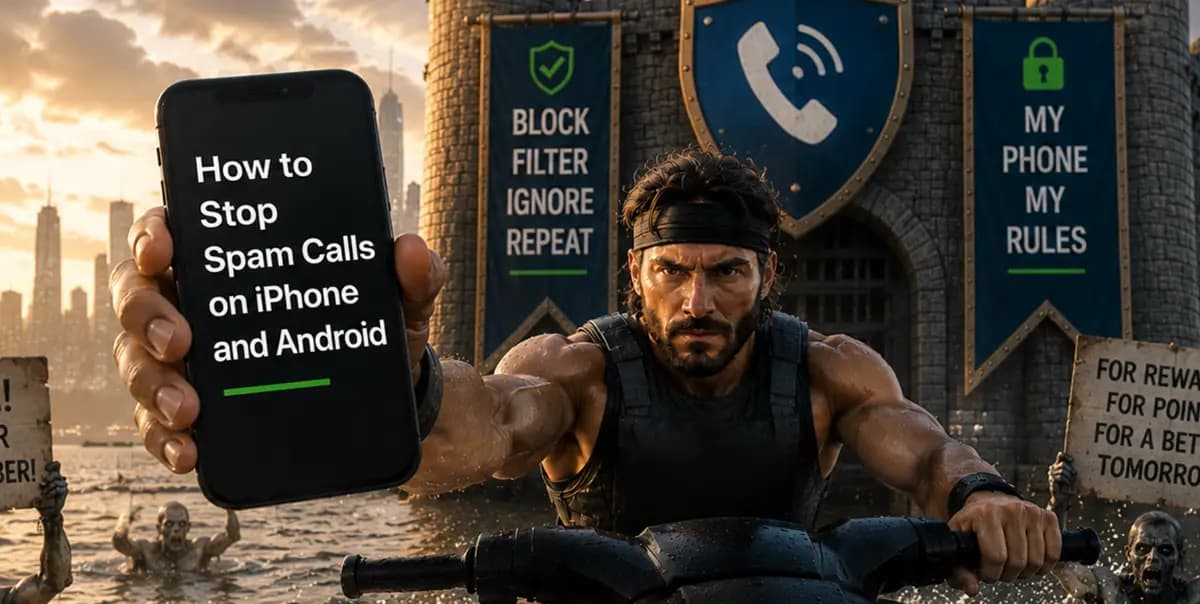
You used to have a phone number the way you had a social security card, something you kept in your wallet, gave to people you trusted, treated as a small piece of your identity. You gave it to your mom. You gave it to your doctor. Once, memorably, you gave it to someone at a bar and felt the specific electricity of that moment. They never called. It’s not you, it’s them, it’s definitely them. You’re a beautiful, special person, multifaceted as a gemstone. You’re taking karate classes. You have a ball python in a 250-gallon, heated enclosure. You own a jet ski.
All of this was before the spam calls started, of course.
Now your phone rings 14 times a day from numbers you don't recognize, and somewhere in the quantum fog of each incoming call is the question: is this real life? Is this a human being with a genuine reason to speak to you? Or is it a server rack in a warehouse, running automated software, dialing your number because some data broker in a strip mall outside Dallas sold it to someone who sold it to someone who sold it to a man in a cowboy hat whose entire business model is getting you to say "yes" into a phone so he can record it and use it against you later?
It's probably the server rack.
Here's the thing nobody tells you about spam calls on iPhone and Android: you didn't lose a battle. You lost a war. The war happened between 2010 and 2018 while you were busy living your life, and by the time you noticed something was wrong, your phone number had already been through 17 databases, three data breaches, and one loyalty card sign-up at a home improvement store where you saved a whopping $4.50 on keel strips for your jet ski. The scams coming through those numbers range from car warranty calls to FBI-flagged fraud schemes.
However, wars end. Only thing is, some of them end with one side in ruins.
This guide covers every layer of defense available in 2026, including carrier tools, built-in iPhone and Android settings, third-party apps, and the long game for stopping spam calls for good. Free options first. Hell yeah, brother.
Why Spam Calls Are Getting Worse in 2026 — And How They Find You
Before you can stop something, you have to understand what it is. And what spam calls actually are is more absurd than most people realize.

Your Phone Number Is a Commodity
Your phone number is a commodity. We mean that literally. Right now, today, it exists as a line item in spreadsheets you'll never see, owned by companies you've never heard of, sold to buyers whose names would mean nothing to you. Every loyalty card. Every warranty registration. Every app that asked for your number and you gave it because what were you going to do, not get the free coffee? All of it fed a data broker ecosystem that treats your contact information as inventory to be moved.
The cost side of the equation is the part that should genuinely disturb you. VoIP technology means anyone on Earth can rent thousands of phone numbers for pennies and place calls over the internet at near-zero marginal cost. The whole operation scales like software because it is software. One person with a laptop and a grudge and a modest startup budget can blast 200,000 calls in a single afternoon.
If one tenth of one percent of those calls result in a victim, that's 200 people.
The FTC received over 2 million complaints about unwanted calls in 2024, when 4.5 million people signed up for the Do Not Call Registry (more on this below). And that's just the people who bothered to report it. The real number is somewhere between "a lot" and "a big, stinkin’ sackful."
Why Blocking One Number Never Works
You are not being targeted. You are being processed. Again, you are a line item in a conversion funnel designed by someone who has never met you and never will. Blocking a single number doesn't work because the operation rotates through fresh numbers faster than any block list can keep up with. The solution to being processed is to become too expensive to process, to stack so many layers of defense between you and the dial tone that the machine looks at your number and moves on to someone easier.
That's the whole game. You want in?

How to Stop Spam Calls: Layer-by-Layer Defense
Picture a castle. Not a nice castle, no, not a Disney castle with a gift shop and a drawbridge that's mostly decorative. We’re talking about a real castle, one built by people who have been sacked before and are not interested in being sacked again. The kind of castle with walls and archers and a portcullis and another wall behind that, because whoever designed it understood that determined enemies probe for the weakest point and you need to not have a weakest point. There’s also a moat, around which you can do laps with your jet ski.
That is what you are building for your phone. Let's do this.
Layer 1 — Turn On Your Carrier's Free Spam Filter
Before you download a single app, before you change a single setting, turn on what your carrier is already offering you for free. These tools operate at the network level. They intercept calls before your phone even rings. This is the outer wall and most people have never built it.
T-Mobile Scam Shield
T-Mobile Scam Shield was built by people who take phone scams personally. It uses machine learning, network analysis, and STIR/SHAKEN authentication data to classify calls as "Scam Likely" before they reach you. At its most aggressive setting it routes suspicious calls to voicemail before your phone knows they happened. Download the free app. Find the sensitivity slider. Push it all the way to the right and don't look back.
AT&T ActiveArmor
AT&T ActiveArmor doesn't wait for your input on confirmed fraud calls. They're blocked at the network level, turned away at the door, silently erased from your afternoon. Calls that are suspicious but not confirmed get labeled "Suspected Spam" and forwarded to you for a judgment call. The free ActiveArmor app gives you controls. Use every single one.
Verizon Call Filter
Verizon Call Filter labels suspected spam as "Potential Spam" and lets it through to ring, leaving the decision to you. The basic version is free. Call Filter Plus adds actual caller ID for unknown numbers and a spam lookup tool for $2.99 a month. That's three dollars to know which specific category of fraud just attempted to access your consciousness. Whether that's a bargain is a philosophical question. The correct answer is yes.
Enable whichever of these applies to you before you do literally anything else. They are free. They are the most powerful anti-spam tools you have access to. Most people drowning in spam calls have never turned them on.
Layer 2 — Built-In iPhone and Android Settings
Your carrier stops a lot, but your phone settings can also go a long way toward stopping what gets through.
How to Stop Spam Calls on iPhone (Silence Unknown Callers)
Go to Settings → Phone → Silence Unknown Callers and flip it on. Any call from a number not in your Contacts, Recents, or Siri Suggestions goes directly to voicemail. Calls will appear in your Recents list and the caller can leave a message, but you are not required to perform the ritual of watching your phone ring and deciding whether to answer while your heart does that specific anxious thing hearts do.
The trade-off is that legitimate first-time callers also hit voicemail. A new doctor, a recruiter, a contractor calling from their personal cell, they'll leave a message and you'll call them back. This is fine. People who have real reasons to reach you will leave messages. People who are running fraud operations will not.
To enable third-party spam apps to screen calls on iPhone: Settings → Phone → Call Blocking & Identification. That's where they plug in.
How to Block Spam Calls on Android (Google + Samsung)
Open the Phone app → three-dot menu → Settings → Caller ID & Spam. Toggle on "See caller and spam ID" and "Filter spam calls." Google maintains a continuously-updated database of flagged numbers. Confirmed spam is silently rejected, while suspected spam gets labeled on the incoming call screen so you can make the final call.
To go full scorched earth: Settings → Blocked Numbers → toggle on "Unknown." Anything that doesn't transmit a caller ID number gets rejected outright.
Samsung users have a bonus: your phone has its own spam filter powered by Hiya's database, running alongside Google's. Phone → Settings → Caller ID and Spam Protection. Turn it on. You now have two independent systems screening your calls simultaneously. We’re talkin’ two walls, son.
Layer 3 — Best Apps to Block Spam Calls and Robocalls
Built-in tools are the foundation. Third-party apps add bigger databases, community-reported numbers, and real-time caller ID for numbers that haven't been officially flagged yet. These are the archers, who take out the things the walls don’t stop.
Truecaller
Truecaller has the largest crowd-sourced caller ID database on the planet, with over 300 million users contributing data in real time. A number calls you, then Truecaller checks it against hundreds of millions of data points before it rings. The free version has ads, while the premium is $2.99/month and removes them. One caveat worth knowing: Truecaller uploads your contact list to its servers. For most people that's an acceptable trade, but it’s valuable to know what you're agreeing to.
Hiya
Hiya powers the built-in spam detection on Samsung devices and AT&T phones. As a standalone app it brings caller ID, spam detection, and call blocking. Free tier is ad-supported. Premium at $3.99/month adds automatic blocking and a reverse lookup feature. Strong database, especially for North American numbers.
RoboKiller
RoboKiller answers spam calls with pre-recorded AI bots specifically designed to waste the scammer's time. The bot strings them along. It asks confusing questions. It reads them things. Somewhere in a building that may or may not technically exist, a man wearing a headset is arguing with a recording about a car warranty and cannot move on to his next victim. RoboKiller accomplishes approximately nothing economically and we endorse it with our whole hearts. $4.99/month, iOS and Android.
Recommended Setup: iPhone vs Android
For iPhone: Silence Unknown Callers on + carrier tool active + Truecaller or Hiya enabled in Call Blocking & Identification settings. Three layers. Nothing gets through that.
For Android: Google spam filter on + Samsung filter on (if applicable) + Truecaller or Hiya as the outermost ring. Three to four layers depending on your carrier.
Does the Do Not Call Registry Actually Stop Spam Calls?
The National Do Not Call Registry is run by the FTC. It legally prohibits most telemarketers from calling registered numbers. It is free, permanent, and takes effect within 31 days.
Register at donotcall.gov or call 1-888-382-1222 from the number you want to register.
This will reduce calls from legitimate telemarketers who are following the law and checking the list.
It doesn’t, however, stop a single scammer. Scammers are operating outside the law already. They are committing wire fraud. They are spoofing caller ID, which is a federal crime. They are not checking the Do Not Call Registry because they are not particularly concerned with regulatory compliance.
Register anyway. The FTC has collected hundreds of millions in penalties from violators and uses complaint data to build cases. Your report becomes part of an enforcement pattern. It's not nothing. It's just not the thing that's going to save your Tuesday afternoon.

The Long Game – How to Stop Spam Calls Permanently
Here's where the story gets interesting.
The layers above will stop maybe 95% of spam calls. The remaining 5% are the mutants, the zombies, the freaks – numbers that haven't been flagged yet, operations that rotate through fresh numbers faster than databases can catch them, the relentless grinding edge of an industry that responds to every defense by getting slightly better at evading it.
For the long game, you play differently. You get dirty. You get serious. You bring out the jet ski.
Opt Out of Data Brokers
Services like DeleteMe, Kanary, and Privacy Duck submit removal requests to major data brokers on your behalf. It takes months to see results, as removals have to process, brokers have to comply, and your number is in more places than any service can fully clean. But it shrinks the surface area. Every database that no longer contains your number is a bucket of calls that will never happen. This is less a fix and more a slow reclamation. Think of it as moss growing back over the breach in the wall.
Use a Secondary Number for Sign-Ups
Google Voice is free and gives you a disposable number to hand to every sign-up form, loyalty program, and contest entry that asks for your contact information. Your real number becomes something you give to people, not corporations. The day you make that switch is the day the flood starts slowing down.
Check What's Publicly Attached to Your Number
Run your own phone number through a reverse phone lookup tool and see what's publicly attached to it. You may find it associated with names you haven't used, addresses you've moved away from, and profiles you didn't create. This is information worth having before you start trying to clean anything up. Our guide to what reverse phone lookup actually shows is worth reading before you start.